Advanced huds [Aim prediction/Indicators/Rada/Radar indication/Damage indicator/Markers detected by team/Tank gunner camera from sight/Can lose controls by stamina/Stamina indication/Allow targeting wo markers ships/Allow targeting wo markers tanks pc/Show warnings/Show enemy damage log/Use modern markers]
Advanced
Infinity penetration cursor distance
Show outlines
Enabled hud color changer
Icon
outline color
Text border color
Text filling color
Rainbow color
Rainbow hud targets
Rainbow color speed
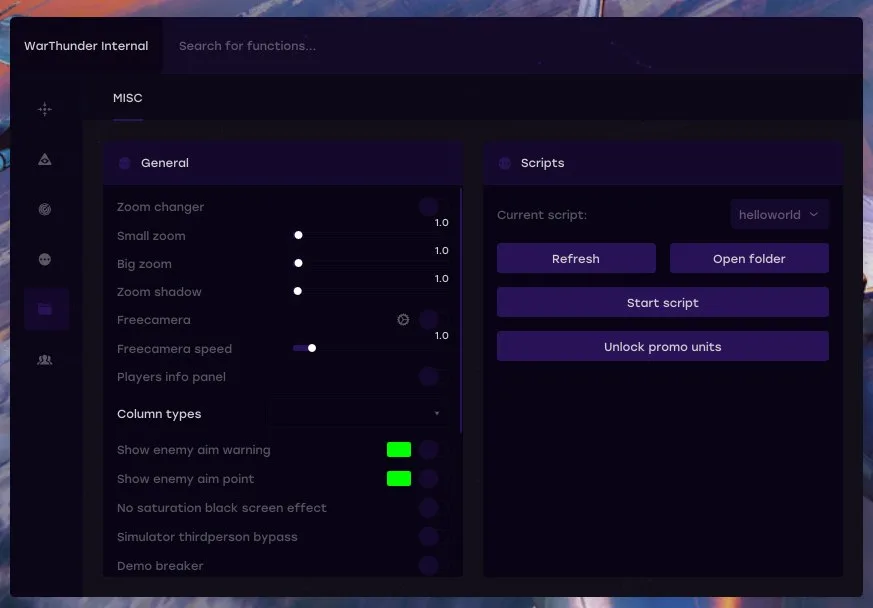
Misc
Zoom changer
Small zoom
Big zoom
Zoom shadow
Freecamera
Freecamera speed
Toggle key freecamera
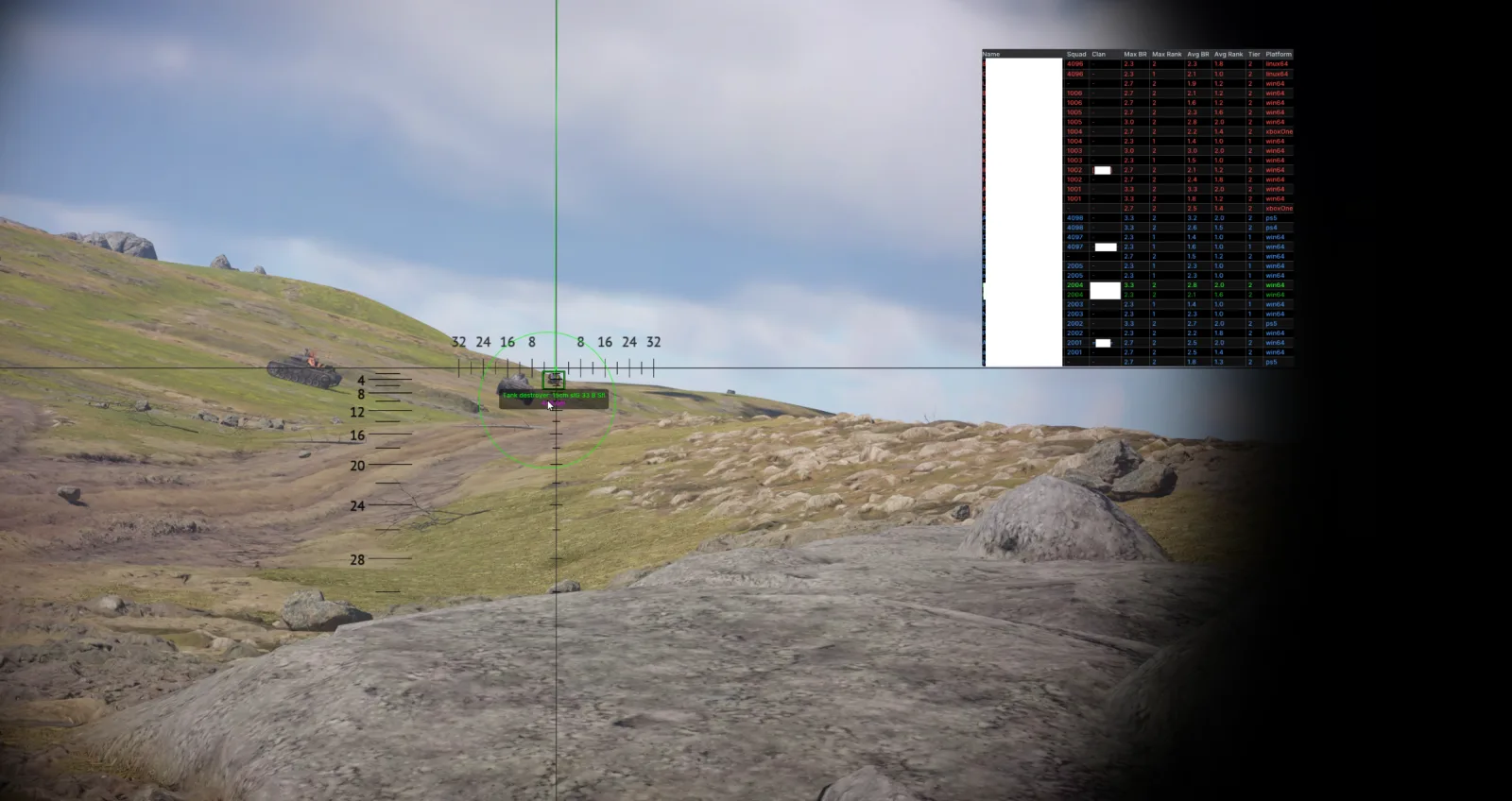
Players info panel
Column types
Show enemy aim warning
Show enemy aim point
No saturation black screen effect
Simulator Thirdperson Bypass
Demo Breaker
Demo Breaker Strength
Fog of war bypass
Map finder
Map finder type
Map finder auto restart
Map finder restart delay
Make the window active after entering the game
Nuke indicator
FAQ on certain features:
Map Finder: The main switch for our new system. It activates an automatic scanner that analyzes the map during matchmaking and determines whether it is worth playing on.
Map Finder Type: A flexible filtering setting tailored to your playstyle. Two operating modes are available: Only selected (green): A strict mode. The system will only connect you to a match if the selected map is on your preference list (the "green" list).
Exclude Red-Listed Maps (All without red): A flexible mode. The software will accept any map- except for those you have previously added to your blacklist (red list).
Map Finder Auto-Restart: No more manual cancellations or mouse clicking! If an unsuitable map appears- this feature will automatically cancel the load and initiate a search for the next match.
Map Finder Restart Delay: An intelligent pause timer that activates before the next search begins.
Make the window active after entering the game: An ideal quality-of-life (QoL) feature for those who like to Alt+Tab out of the game to attend to other tasks while waiting for a match to be found. As soon as the software locates the right map and successfully loads you into a match- it will automatically bring the game window to the foreground!
Scripts
Current script
Refresh
Open folder
Start script
Unlock promo units
Config
Config
Config name
Add
Current config
Load
Save
Delete
Open folder
Settings
Box style
Test font
Font size
Language
Wallhack text background
SMG RAGE for War Thunder
The most feature-rich version available.
Compatible with the Game Launcher and Steam; supports Easy Anti-Cheat and BattlEye; works on Windows 10/11 x64.
Features include:
Aimbot for ground vehicles;
Advanced automatic lead calculation for more precise targeting of moving vehicles;
Aimpoint and Silent Aim-to-Point;
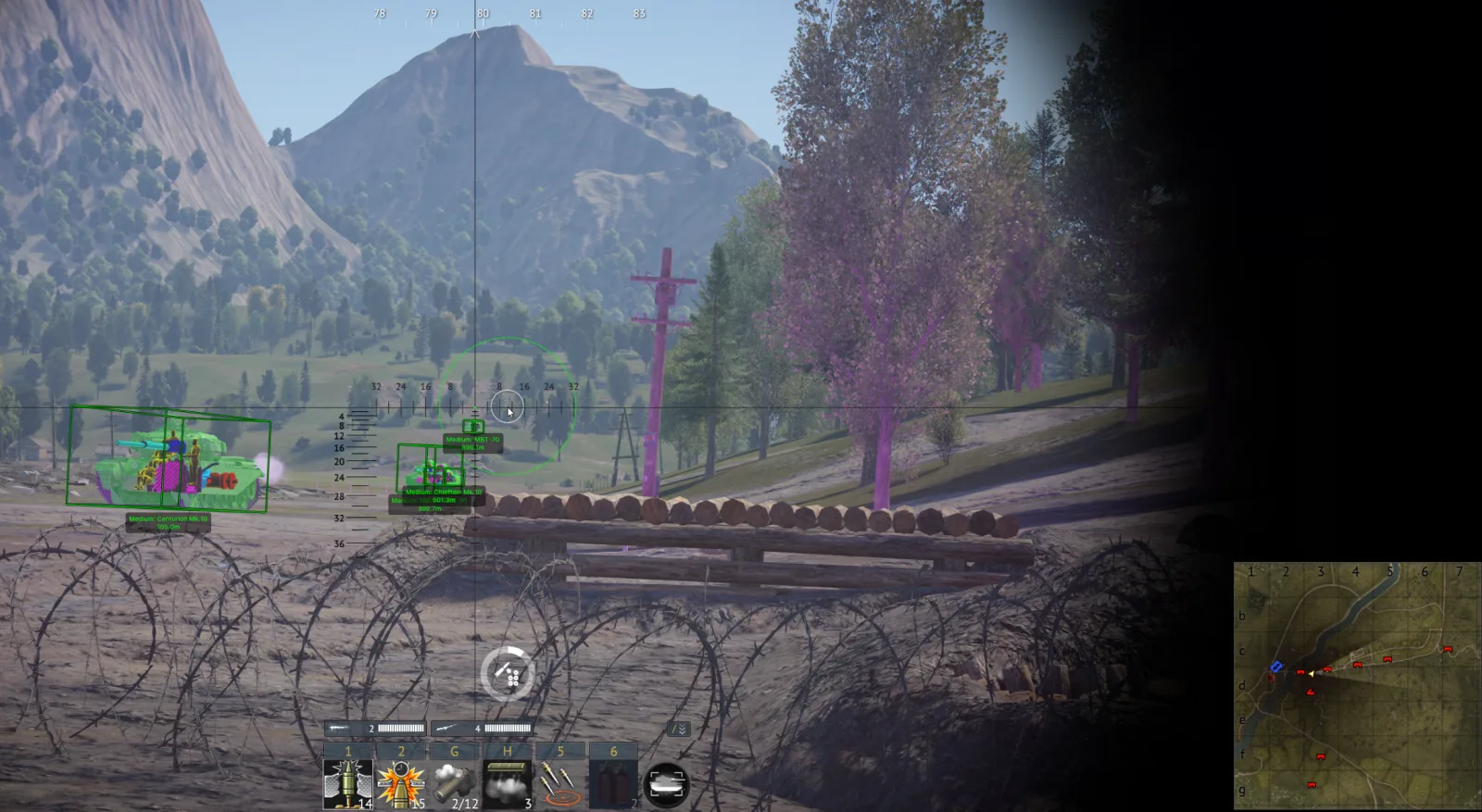
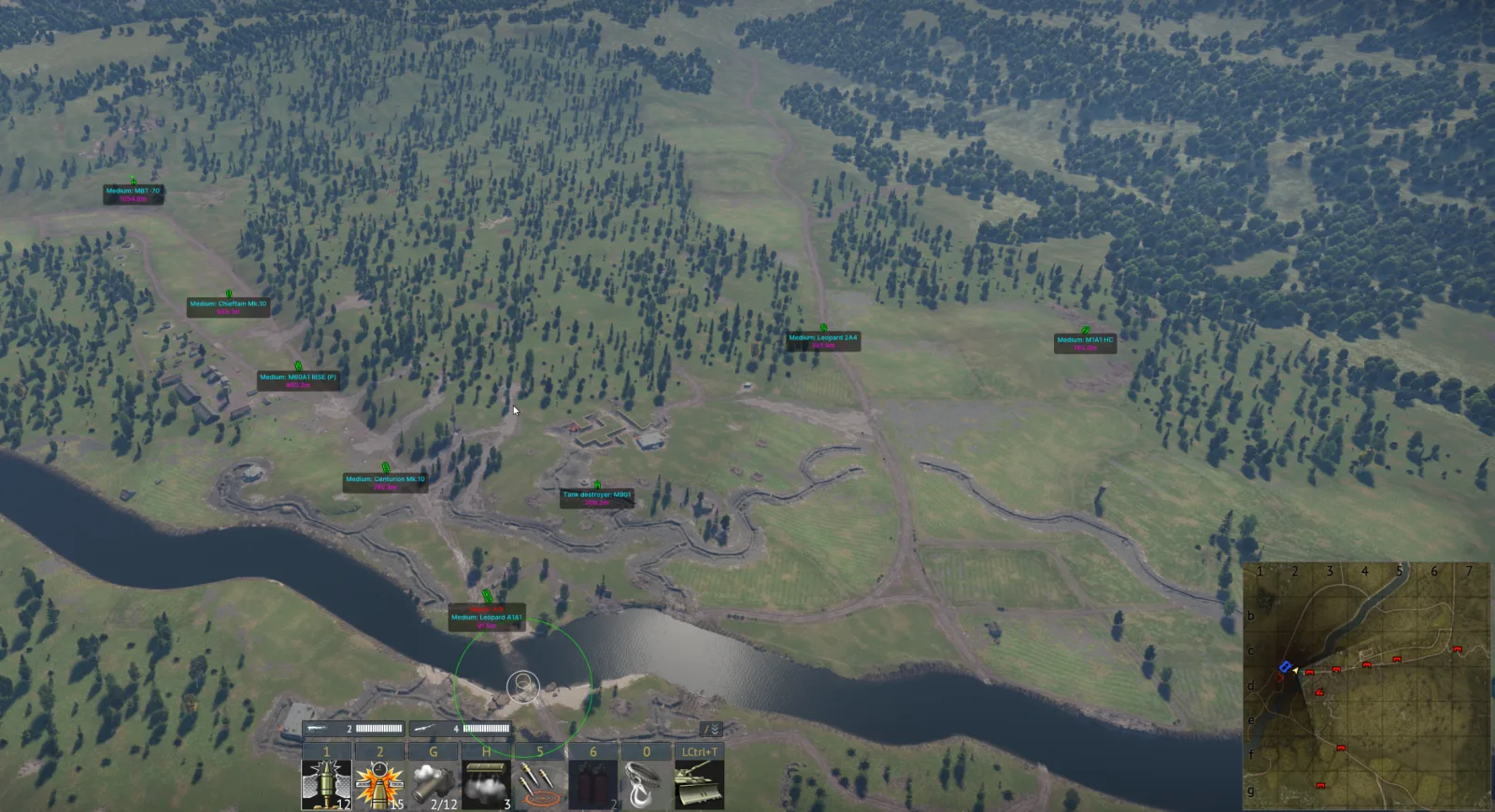
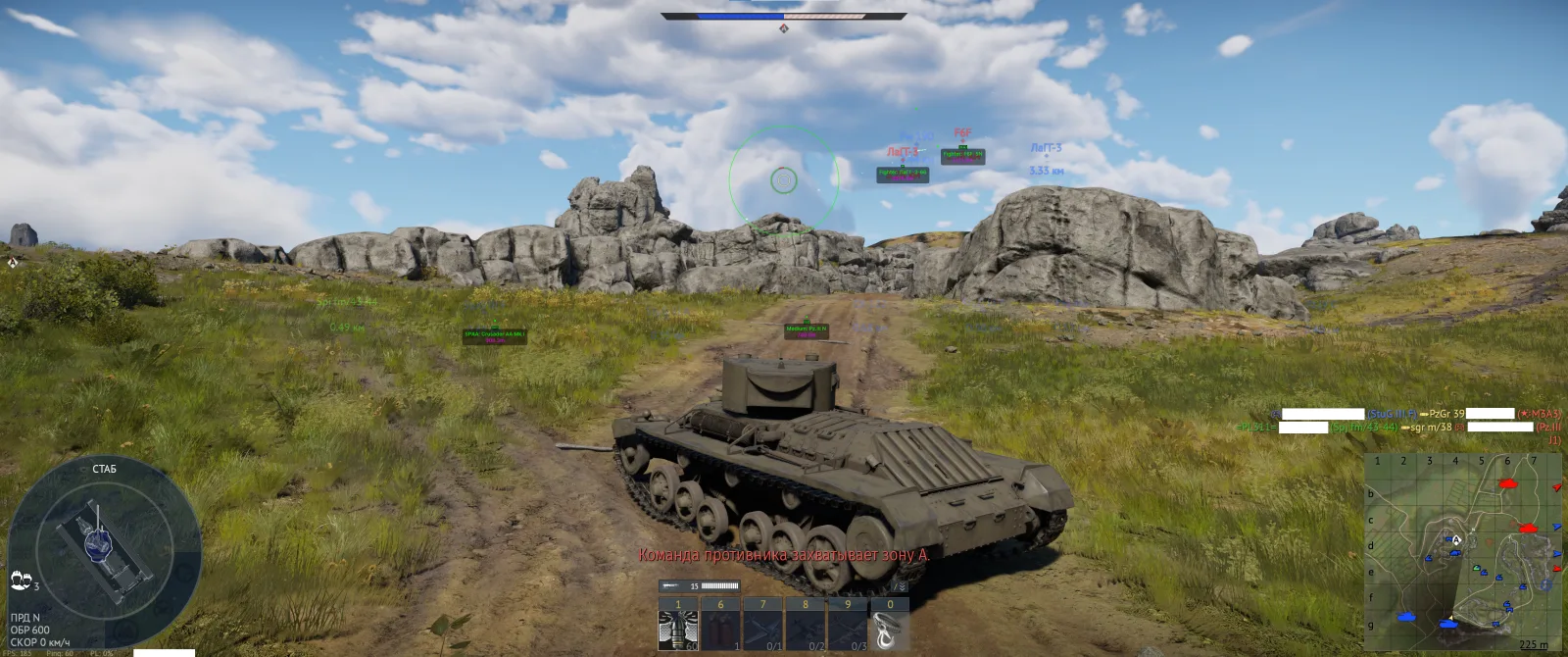
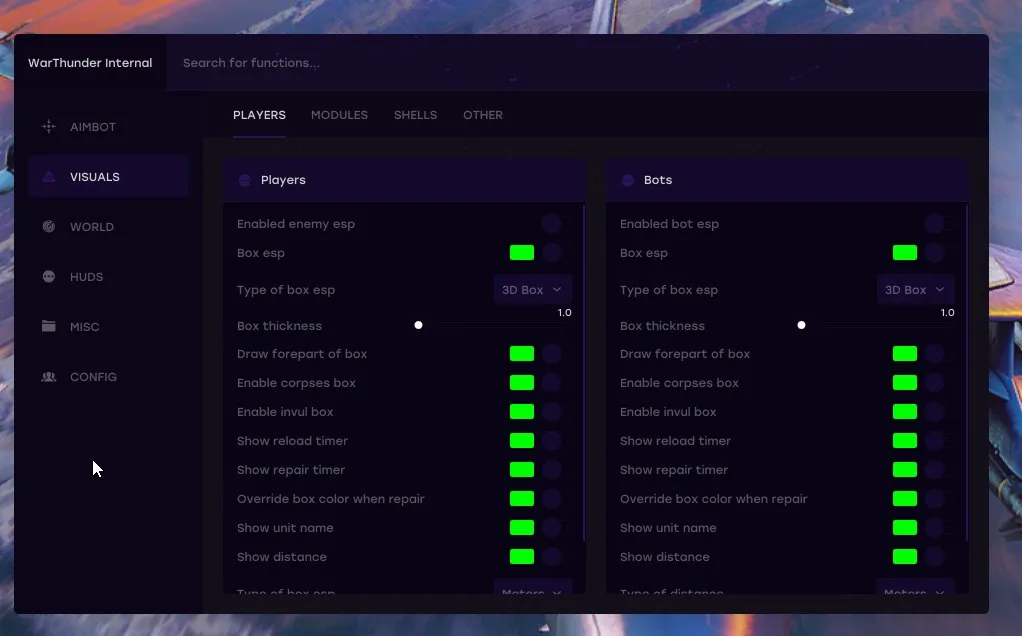
ESP for vehicles, players, and bots;
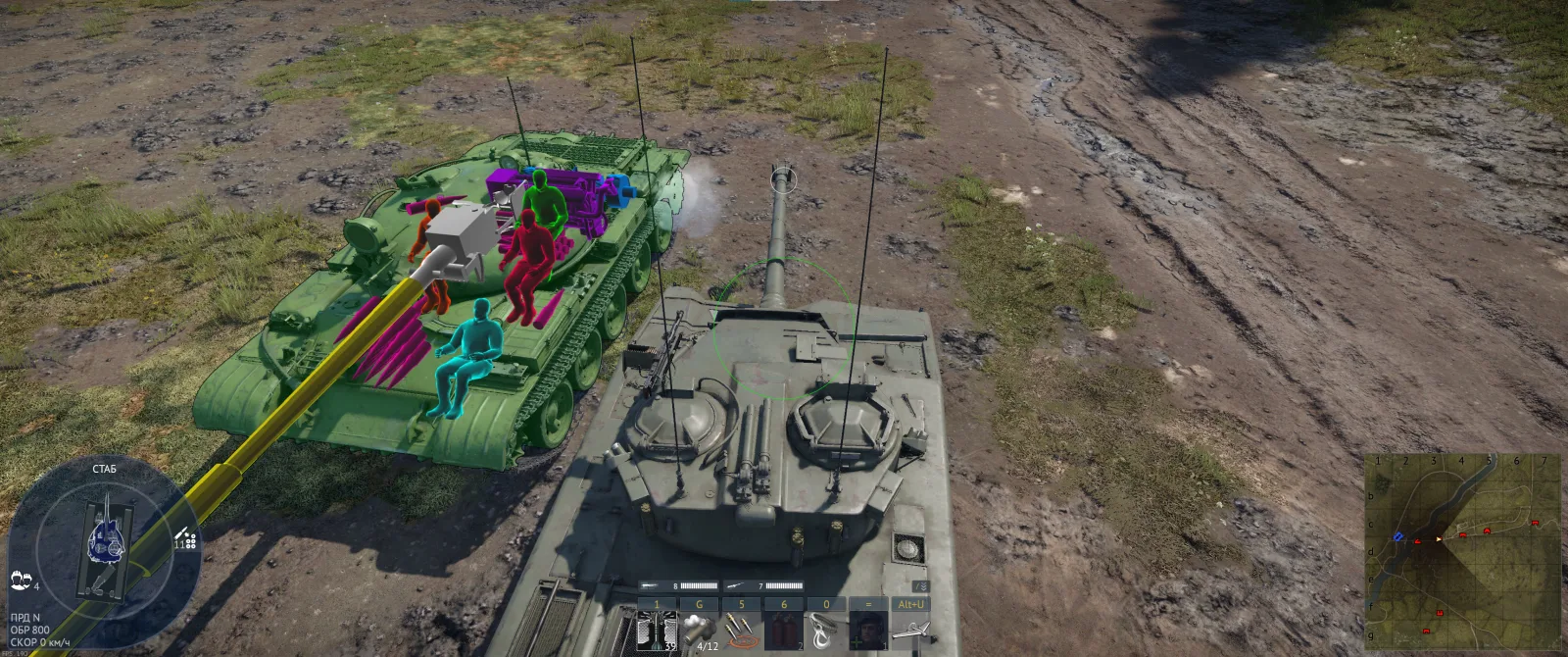
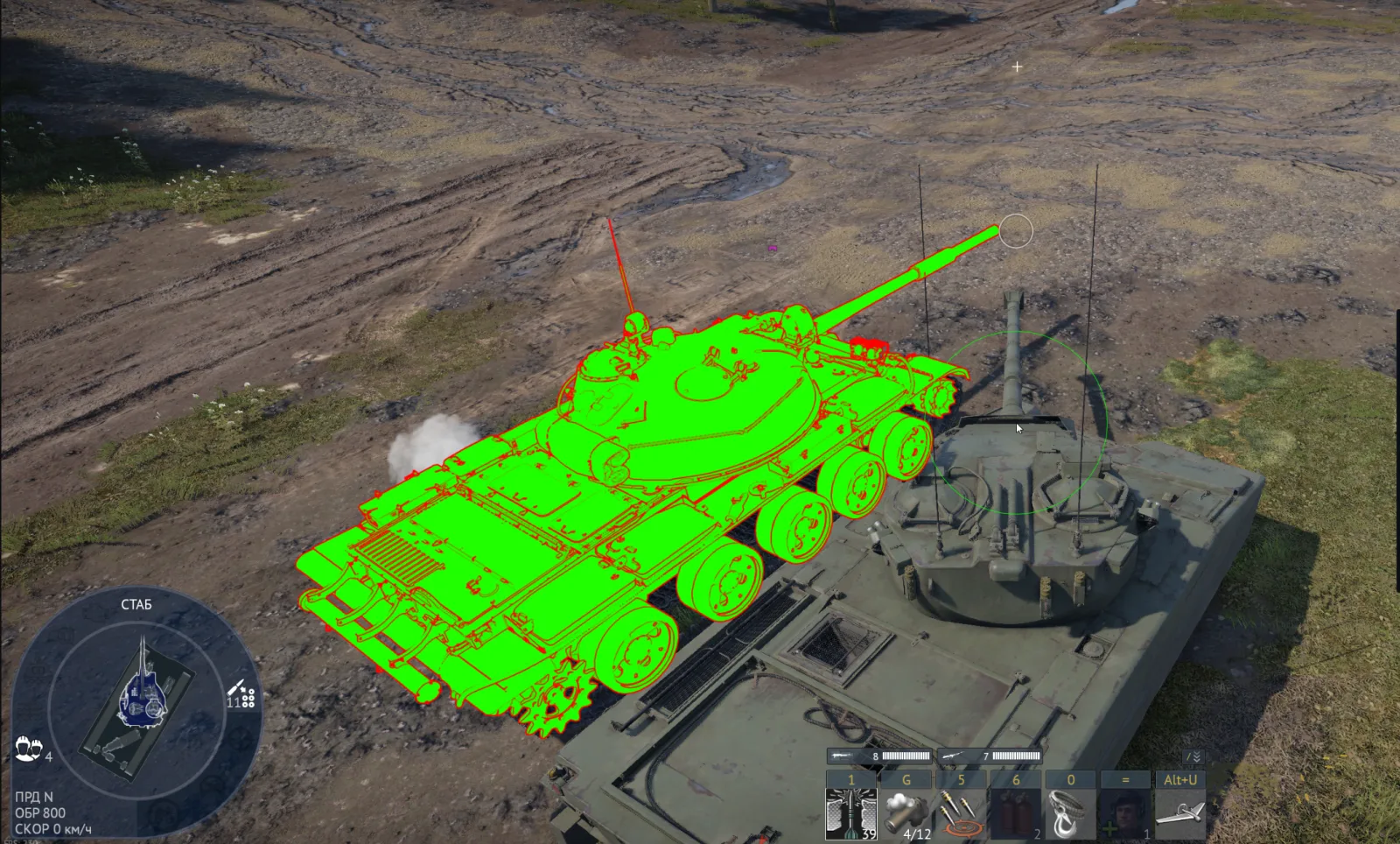
Chams and visualization of internal vehicle modules;
ESP for missiles, bombs, and projectiles;
Auto Scout and Auto Artillery;
Map Finder – select preferred maps, skip unwanted ones, and automatically initiate a new search;
Enhanced HUD, radar, and additional in-game utilities.
For aircraft, the software utilizes an advanced lead-point calculation system, while the full-fledged Aimbot is primarily designed for ground vehicles.
SystemWindows 10 — all bildsWindows 11 — all bilds
ProcessorIntel and AMD
Graphics cardNVIDIA and AMD
Window modeWindowed and borderless
Built-in spooferNo
USB flash driveNot required
There are no reviews of this cheat yet.
Bought it and gave it a try? Tell us how it works — it will help others.
Excluded. We carefully check each product, we mentioned this on the first screen of the site.
We will apologize, refund your money, replace the product for free and give you some other cheat codes to boot. But let us repeat – this option is out of the question.
Of course! We provide discounts to regular customers or wholesale buyers on an individual basis.
Yes, the referral program is in development. We will roll out the news as soon as we implement it!
Yes. The high quality of our cheats and our 10 years of experience in development will allow you to feel absolutely calm. We are constantly working: bypassing anti-cheat, improving our software and competently using the insights we receive. Whatever new protection game developers come up with, we will always find an antidote.
Yes, of course! Our range is dynamic. Cheats for Warface, BloodHunt, CS:GO, DayZ, PUBG are some of our few offers. You can also contact support with a specific request, and perhaps we will be able to help you
1. Where can I find the purchased cheat?
Immediately after payment, you will get access to the product in two ways:
-On the page after payment, you will receive a key, instructions, and a link.
-A letter with activation data will be sent to your email (check the Spam folder if you do not see the letter).
2. What's inside?
Each cheat includes three key elements:
Key (activation key):
Examples of formats:
XXX-XXX-XXX or okfds85u34sdkofsdkf.
This is your unique code for running the cheat.
Loader (loader):
Download link for the program that injects the cheat into the game.
Files are checked for viruses - temporarily disable your antivirus during installation.
Manual (instructions).
3. How to activate the cheat?
Download Loader from the email or your personal account.
Run it as administrator.
Enter the Key in the appropriate field.
Follow the steps from Manual.
4. If something went wrong
The letter didn't arrive?
Wait 5-10 minutes → check "Spam" → if not, write to support indicating the email you entered when paying.
The key doesn't work?
Make sure you copied it without spaces. If the problem persists, send a screenshot of the error in the chat.
Loader is blocked?
Add it to the antivirus/firewall exceptions (instructions are in Manual).
5. Security reminder
Do not share the Key and Loader with anyone - this will lead to your license being blocked.
For RAGE cheats, always use the Spoofer from the kit to protect your hardware from being banned.
1. Disabling system protection
Before using cheats, you must eliminate all software conflicts:














%22%3E%3Crect x=%222.5%22 y=%222.5%22 width=%228.6%22 height=%228.6%22 rx=%221.4%22/%3E%3Crect x=%2212.9%22 y=%222.5%22 width=%228.6%22 height=%228.6%22 rx=%221.4%22/%3E%3Crect x=%222.5%22 y=%2212.9%22 width=%228.6%22 height=%228.6%22 rx=%221.4%22/%3E%3Crect x=%2212.9%22 y=%2212.9%22 width=%228.6%22 height=%228.6%22 rx=%221.4%22/%3E%3C/g%3E%3Cdefs%3E%3ClinearGradient id=%22g%22 x1=%221%22 y1=%2212%22 x2=%2223%22 y2=%2212%22 gradientUnits=%22userSpaceOnUse%22%3E%3Cstop stop-color=%22%238468FF%22/%3E%3Cstop offset=%221%22 stop-color=%22%23603DFA%22/%3E%3C/linearGradient%3E%3C/defs%3E%3C/svg%3E) System
Windows 10 — all bilds
Windows 11 — all bilds
%22%3E%3Cpath fill-rule=%22evenodd%22 clip-rule=%22evenodd%22 d=%22M7.5 4.6H16.5C18.1 4.6 19.4 5.9 19.4 7.5V16.5C19.4 18.1 18.1 19.4 16.5 19.4H7.5C5.9 19.4 4.6 18.1 4.6 16.5V7.5C4.6 5.9 5.9 4.6 7.5 4.6ZM9.6 8H14.4C15.3 8 16 8.7 16 9.6V14.4C16 15.3 15.3 16 14.4 16H9.6C8.7 16 8 15.3 8 14.4V9.6C8 8.7 8.7 8 9.6 8ZM10.6 9.6C10.05 9.6 9.6 10.05 9.6 10.6V13.4C9.6 13.95 10.05 14.4 10.6 14.4H13.4C13.95 14.4 14.4 13.95 14.4 13.4V10.6C14.4 10.05 13.95 9.6 13.4 9.6H10.6Z%22/%3E%3Crect x=%227.9%22 y=%221.6%22 width=%221.7%22 height=%223.6%22 rx=%220.85%22/%3E%3Crect x=%2211.15%22 y=%221.6%22 width=%221.7%22 height=%223.6%22 rx=%220.85%22/%3E%3Crect x=%2214.4%22 y=%221.6%22 width=%221.7%22 height=%223.6%22 rx=%220.85%22/%3E%3Crect x=%227.9%22 y=%2218.8%22 width=%221.7%22 height=%223.6%22 rx=%220.85%22/%3E%3Crect x=%2211.15%22 y=%2218.8%22 width=%221.7%22 height=%223.6%22 rx=%220.85%22/%3E%3Crect x=%2214.4%22 y=%2218.8%22 width=%221.7%22 height=%223.6%22 rx=%220.85%22/%3E%3Crect x=%221.6%22 y=%227.9%22 width=%223.6%22 height=%221.7%22 rx=%220.85%22/%3E%3Crect x=%221.6%22 y=%2211.15%22 width=%223.6%22 height=%221.7%22 rx=%220.85%22/%3E%3Crect x=%221.6%22 y=%2214.4%22 width=%223.6%22 height=%221.7%22 rx=%220.85%22/%3E%3Crect x=%2218.8%22 y=%227.9%22 width=%223.6%22 height=%221.7%22 rx=%220.85%22/%3E%3Crect x=%2218.8%22 y=%2211.15%22 width=%223.6%22 height=%221.7%22 rx=%220.85%22/%3E%3Crect x=%2218.8%22 y=%2214.4%22 width=%223.6%22 height=%221.7%22 rx=%220.85%22/%3E%3C/g%3E%3Cdefs%3E%3ClinearGradient id=%22g%22 x1=%221%22 y1=%2212%22 x2=%2223%22 y2=%2212%22 gradientUnits=%22userSpaceOnUse%22%3E%3Cstop stop-color=%22%238468FF%22/%3E%3Cstop offset=%221%22 stop-color=%22%23603DFA%22/%3E%3C/linearGradient%3E%3C/defs%3E%3C/svg%3E) Processor
Intel and AMD
%22%3E%3Crect x=%221.4%22 y=%224.2%22 width=%221.8%22 height=%2215.4%22 rx=%220.9%22/%3E%3Cpath fill-rule=%22evenodd%22 clip-rule=%22evenodd%22 d=%22M6.3 5.6H20.4C21.6 5.6 22.6 6.6 22.6 7.8V14.6C22.6 15.8 21.6 16.8 20.4 16.8H6.3C5.1 16.8 4.1 15.8 4.1 14.6V7.8C4.1 6.6 5.1 5.6 6.3 5.6ZM9.6 8.1C8 8.1 6.7 9.5 6.7 11.2C6.7 12.9 8 14.3 9.6 14.3C11.2 14.3 12.5 12.9 12.5 11.2C12.5 9.5 11.2 8.1 9.6 8.1ZM9.6 10.1C10.2 10.1 10.7 10.6 10.7 11.2C10.7 11.8 10.2 12.3 9.6 12.3C9 12.3 8.5 11.8 8.5 11.2C8.5 10.6 9 10.1 9.6 10.1ZM17.1 8.1C15.5 8.1 14.2 9.5 14.2 11.2C14.2 12.9 15.5 14.3 17.1 14.3C18.7 14.3 20 12.9 20 11.2C20 9.5 18.7 8.1 17.1 8.1ZM17.1 10.1C17.7 10.1 18.2 10.6 18.2 11.2C18.2 11.8 17.7 12.3 17.1 12.3C16.5 12.3 16 11.8 16 11.2C16 10.6 16.5 10.1 17.1 10.1Z%22/%3E%3Crect x=%227.4%22 y=%2217.6%22 width=%229.6%22 height=%222%22 rx=%220.6%22/%3E%3C/g%3E%3Cdefs%3E%3ClinearGradient id=%22g%22 x1=%221%22 y1=%2212%22 x2=%2223%22 y2=%2212%22 gradientUnits=%22userSpaceOnUse%22%3E%3Cstop stop-color=%22%238468FF%22/%3E%3Cstop offset=%221%22 stop-color=%22%23603DFA%22/%3E%3C/linearGradient%3E%3C/defs%3E%3C/svg%3E) Graphics card
NVIDIA and AMD
%22%3E%3Cpath fill-rule=%22evenodd%22 clip-rule=%22evenodd%22 d=%22M4.4 2.8H19.6C20.9 2.8 22 3.9 22 5.2V14.6C22 15.9 20.9 17 19.6 17H4.4C3.1 17 2 15.9 2 14.6V5.2C2 3.9 3.1 2.8 4.4 2.8ZM7.2 5.8C6.4 5.8 5.8 6.4 5.8 7.2V12.6C5.8 13.4 6.4 14 7.2 14H16.8C17.6 14 18.2 13.4 18.2 12.6V7.2C18.2 6.4 17.6 5.8 16.8 5.8H7.2ZM7.6 8.6H16.4V11.9C16.4 12.1 16.25 12.25 16.05 12.25H7.95C7.75 12.25 7.6 12.1 7.6 11.9V8.6Z%22/%3E%3Crect x=%2210.6%22 y=%2216.4%22 width=%222.8%22 height=%223.4%22 rx=%220.4%22/%3E%3Crect x=%227%22 y=%2219.4%22 width=%2210%22 height=%221.9%22 rx=%220.95%22/%3E%3C/g%3E%3Cdefs%3E%3ClinearGradient id=%22g%22 x1=%221%22 y1=%2212%22 x2=%2223%22 y2=%2212%22 gradientUnits=%22userSpaceOnUse%22%3E%3Cstop stop-color=%22%238468FF%22/%3E%3Cstop offset=%221%22 stop-color=%22%23603DFA%22/%3E%3C/linearGradient%3E%3C/defs%3E%3C/svg%3E) Window mode
Windowed and borderless
%22/%3E%3Cdefs%3E%3ClinearGradient id=%22g%22 x1=%221%22 y1=%2212%22 x2=%2223%22 y2=%2212%22 gradientUnits=%22userSpaceOnUse%22%3E%3Cstop stop-color=%22%238468FF%22/%3E%3Cstop offset=%221%22 stop-color=%22%23603DFA%22/%3E%3C/linearGradient%3E%3C/defs%3E%3C/svg%3E) Built-in spoofer
No
%22%3E%3Cpath fill-rule=%22evenodd%22 clip-rule=%22evenodd%22 d=%22M4.2 6.6H13C14.3 6.6 15.4 7.7 15.4 9V15C15.4 16.3 14.3 17.4 13 17.4H4.2C2.9 17.4 1.8 16.3 1.8 15V9C1.8 7.7 2.9 6.6 4.2 6.6ZM5.3 10.75C4.6 10.75 4.05 11.3 4.05 12C4.05 12.7 4.6 13.25 5.3 13.25C6 13.25 6.55 12.7 6.55 12C6.55 11.3 6 10.75 5.3 10.75Z%22/%3E%3Cpath fill-rule=%22evenodd%22 clip-rule=%22evenodd%22 d=%22M16.6 8.4H21.1C21.65 8.4 22.1 8.85 22.1 9.4V14.6C22.1 15.15 21.65 15.6 21.1 15.6H16.6V8.4ZM18.4 10.2V11.4H20V10.2H18.4ZM18.4 12.6V13.8H20V12.6H18.4Z%22/%3E%3C/g%3E%3Cdefs%3E%3ClinearGradient id=%22g%22 x1=%221%22 y1=%2212%22 x2=%2223%22 y2=%2212%22 gradientUnits=%22userSpaceOnUse%22%3E%3Cstop stop-color=%22%238468FF%22/%3E%3Cstop offset=%221%22 stop-color=%22%23603DFA%22/%3E%3C/linearGradient%3E%3C/defs%3E%3C/svg%3E) USB flash drive
Not required



%22/%3E%3Cpath d=%22M138.98 0L138.98 -2.89H138.98V0ZM277.96 138.98H280.85V138.98H277.96ZM138.98 277.96V280.85H138.98L138.98 277.96ZM9.39 271.16L9.74 274.03H9.74L9.39 271.16ZM1.47 262.3L-1.34 261.62L-1.34 261.62L1.47 262.3ZM14.56 208.18L11.76 207.5H11.76L14.56 208.18ZM0 138.98H-2.89V138.98H0ZM14.66 201.17L17.24 199.88L14.66 201.17ZM64.84 264.21L65.2 267.08L64.84 264.21ZM138.98 0L138.98 2.89C214.15 2.89 275.08 63.82 275.08 138.98H277.96H280.85C280.85 60.63 217.34 -2.89 138.98 -2.89L138.98 0ZM277.96 138.98H275.08C275.08 214.14 214.15 275.08 138.98 275.08L138.98 277.96L138.98 280.85C217.34 280.85 280.85 217.33 280.85 138.98H277.96ZM138.98 277.96V275.08C120.58 275.08 103.04 271.43 87.04 264.81L85.94 267.48L84.83 270.15C101.52 277.05 119.81 280.85 138.98 280.85V277.96ZM64.84 264.21L64.48 261.35L9.03 268.3L9.39 271.16L9.74 274.03L65.2 267.08L64.84 264.21ZM9.39 271.16L9.03 268.3C6.02 268.67 3.57 265.93 4.28 262.98L1.47 262.3L-1.34 261.62C-3 268.5 2.73 274.91 9.74 274.03L9.39 271.16ZM1.47 262.3L4.28 262.98L17.37 208.85L14.56 208.18L11.76 207.5L-1.34 261.62L1.47 262.3ZM14.66 201.17L17.24 199.88C8.06 181.56 2.89 160.88 2.89 138.98H0H-2.89C-2.89 161.8 2.5 183.36 12.08 202.47L14.66 201.17ZM0 138.98H2.89C2.89 63.82 63.82 2.89 138.98 2.89V0V-2.89C60.63 -2.89 -2.89 60.63 -2.89 138.98H0ZM14.56 208.18L17.37 208.85C17.64 207.73 17.99 206.28 18.1 204.81C18.21 203.31 18.09 201.57 17.24 199.88L14.66 201.17L12.08 202.47C12.29 202.9 12.4 203.5 12.34 204.39C12.27 205.32 12.04 206.31 11.76 207.5L14.56 208.18ZM85.94 267.48L87.04 264.81C80.01 261.9 72.27 260.37 64.48 261.35L64.84 264.21L65.2 267.08C71.77 266.25 78.49 267.53 84.83 270.15L85.94 267.48Z%22 fill=%22white%22 style=%22mix-blend-mode:soft-light%22 mask=%22url(%23path-1-inside-1_0_319)%22/%3E%3C/g%3E%3Cdefs%3E%3ClinearGradient id=%22paint0_linear_0_319%22 x1=%22-22.4%22 y1=%22173.9%22 x2=%22300.4%22 y2=%22104%22 gradientUnits=%22userSpaceOnUse%22%3E%3Cstop stop-color=%22%23373ADA%22/%3E%3Cstop offset=%221%22 stop-color=%22%23A2A9FB%22/%3E%3C/linearGradient%3E%3C/defs%3E%3C/svg%3E)