












A cheat is a way to get around a game’s usual limits. The term comes from the verb to cheat, meaning to break the rules to gain an advantage. A cheat code is a command or sequence of button presses that developers build into a game. What it does depends on the game. One code might give you extra lives, while another might unlock the next level. Many of these commands originally helped developers test their own games.
How Cheats Began and How They’re Used Today
In the early days of video games, developers used cheat codes mainly for testing. If a tester needed to replay a boss fight after a bug fix, for example, a single command could take them straight to the boss. They could see right away whether the fix worked and repeat the fight as needed.
Some codes stayed in games after release. Players shared their discoveries with friends, and gaming magazines printed button combinations in columns devoted to game secrets. One of the best-known sequences was ↑ ↑ ↓ ↓ ← → ← → B A.
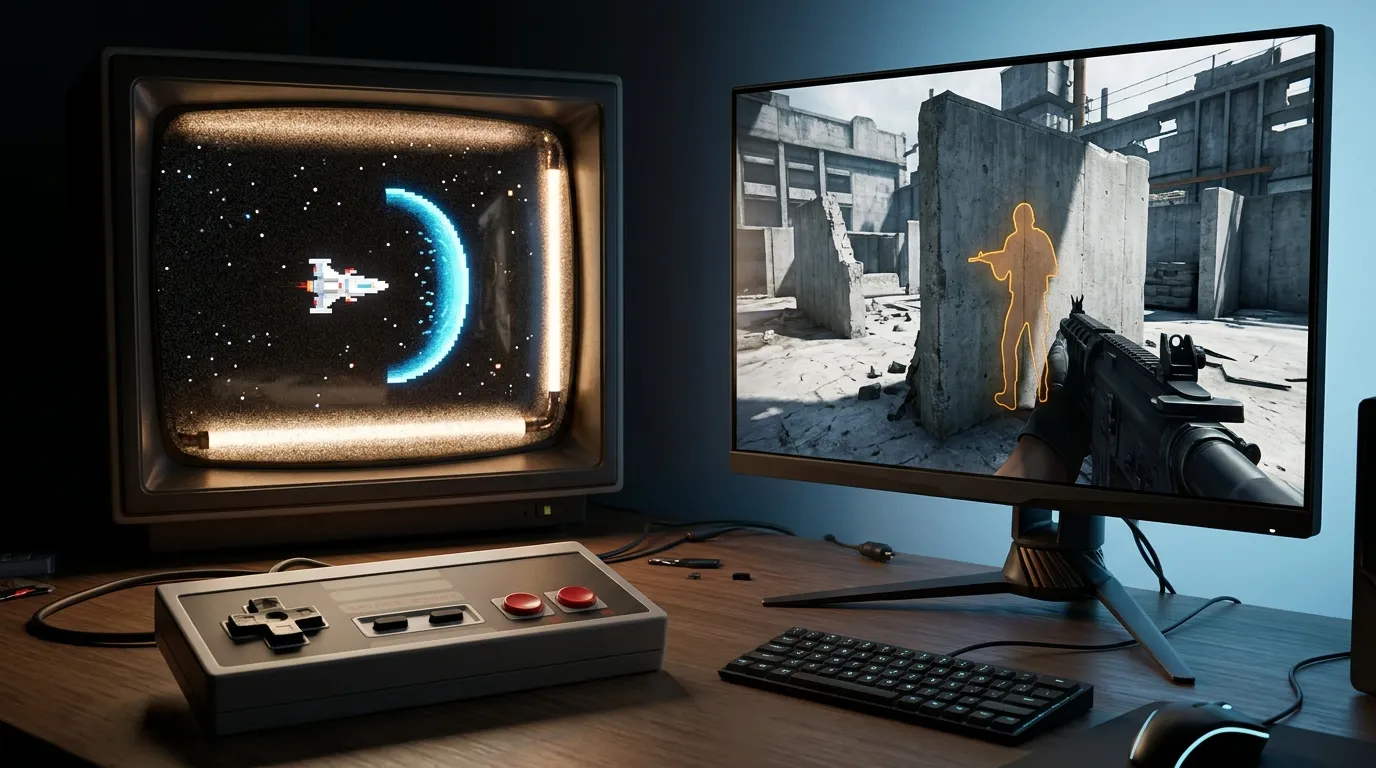
As Konami recounts in its history of the Gradius series, the Konami Code first appeared in the NES version of Gradius in 1986. Entering the sequence while the game was paused instantly gave the player’s ship several upgrades, including missiles and a shield.
By the 1980s and 1990s, players also had access to programs called trainers. These changed values in a game. A trainer could give a character unlimited health, for example, even if the developers had never included an invincibility code. Third-party software could now produce an effect players already knew from built-in cheats.
As online games grew in popularity, the word cheat took on a different meaning. In a single-player game, you can enter a built-in code and decide for yourself how many lives you want when you tackle a level.
In a competitive shooter, a third-party program that aims for you can change the outcome of a fight for your opponent, too. That kind of unfair advantage is what players usually mean when they talk about cheating in an online match.
What’s Next for Video Game Cheats?
- Cheats will give players more control over gameplay and more interactive ways to change it.
- Cheat software will adapt more quickly to new game versions and updates.
- Developers may repurpose tools originally created as cheats to test and debug their games.
- Cheat software will become easier to use, with clearer interfaces and better accessibility.
- Some cheats may find their way onto official gaming platforms as optional mods or extensions.
As cheats continue to evolve, more innovations lie ahead. Using these tools responsibly means keeping safety in mind and considering how your choices affect other players.

%22/%3E%3Cpath d=%22M138.98 0L138.98 -2.89H138.98V0ZM277.96 138.98H280.85V138.98H277.96ZM138.98 277.96V280.85H138.98L138.98 277.96ZM9.39 271.16L9.74 274.03H9.74L9.39 271.16ZM1.47 262.3L-1.34 261.62L-1.34 261.62L1.47 262.3ZM14.56 208.18L11.76 207.5H11.76L14.56 208.18ZM0 138.98H-2.89V138.98H0ZM14.66 201.17L17.24 199.88L14.66 201.17ZM64.84 264.21L65.2 267.08L64.84 264.21ZM138.98 0L138.98 2.89C214.15 2.89 275.08 63.82 275.08 138.98H277.96H280.85C280.85 60.63 217.34 -2.89 138.98 -2.89L138.98 0ZM277.96 138.98H275.08C275.08 214.14 214.15 275.08 138.98 275.08L138.98 277.96L138.98 280.85C217.34 280.85 280.85 217.33 280.85 138.98H277.96ZM138.98 277.96V275.08C120.58 275.08 103.04 271.43 87.04 264.81L85.94 267.48L84.83 270.15C101.52 277.05 119.81 280.85 138.98 280.85V277.96ZM64.84 264.21L64.48 261.35L9.03 268.3L9.39 271.16L9.74 274.03L65.2 267.08L64.84 264.21ZM9.39 271.16L9.03 268.3C6.02 268.67 3.57 265.93 4.28 262.98L1.47 262.3L-1.34 261.62C-3 268.5 2.73 274.91 9.74 274.03L9.39 271.16ZM1.47 262.3L4.28 262.98L17.37 208.85L14.56 208.18L11.76 207.5L-1.34 261.62L1.47 262.3ZM14.66 201.17L17.24 199.88C8.06 181.56 2.89 160.88 2.89 138.98H0H-2.89C-2.89 161.8 2.5 183.36 12.08 202.47L14.66 201.17ZM0 138.98H2.89C2.89 63.82 63.82 2.89 138.98 2.89V0V-2.89C60.63 -2.89 -2.89 60.63 -2.89 138.98H0ZM14.56 208.18L17.37 208.85C17.64 207.73 17.99 206.28 18.1 204.81C18.21 203.31 18.09 201.57 17.24 199.88L14.66 201.17L12.08 202.47C12.29 202.9 12.4 203.5 12.34 204.39C12.27 205.32 12.04 206.31 11.76 207.5L14.56 208.18ZM85.94 267.48L87.04 264.81C80.01 261.9 72.27 260.37 64.48 261.35L64.84 264.21L65.2 267.08C71.77 266.25 78.49 267.53 84.83 270.15L85.94 267.48Z%22 fill=%22white%22 style=%22mix-blend-mode:soft-light%22 mask=%22url(%23path-1-inside-1_0_319)%22/%3E%3C/g%3E%3Cdefs%3E%3ClinearGradient id=%22paint0_linear_0_319%22 x1=%22-22.4%22 y1=%22173.9%22 x2=%22300.4%22 y2=%22104%22 gradientUnits=%22userSpaceOnUse%22%3E%3Cstop stop-color=%22%23373ADA%22/%3E%3Cstop offset=%221%22 stop-color=%22%23A2A9FB%22/%3E%3C/linearGradient%3E%3C/defs%3E%3C/svg%3E)